
Valve's Steam Client Beta Adds Big Picture Screensaver, Big Art Mode and Linux Download Speed Boosts
Valve has pushed a new Steam Client Beta on September 9, 2026, overhauling Big Picture Mode with a screensaver feature and a new "Big Art Mode," while also tightening Linux download speeds, SteamOS compatibility prompts, and Remote Play security.
Valve rolled out a fresh Steam Client Beta on September 9, 2026, headlined by the first real overhaul of Big Picture Mode in years. The build adds a configurable screensaver, a new "Big Art Mode" for the home screen, a personal calendar under the Recommended tab, and a stack of Linux, Steam Input, and Remote Play fixes that should land on the stable Steam client over the coming weeks.
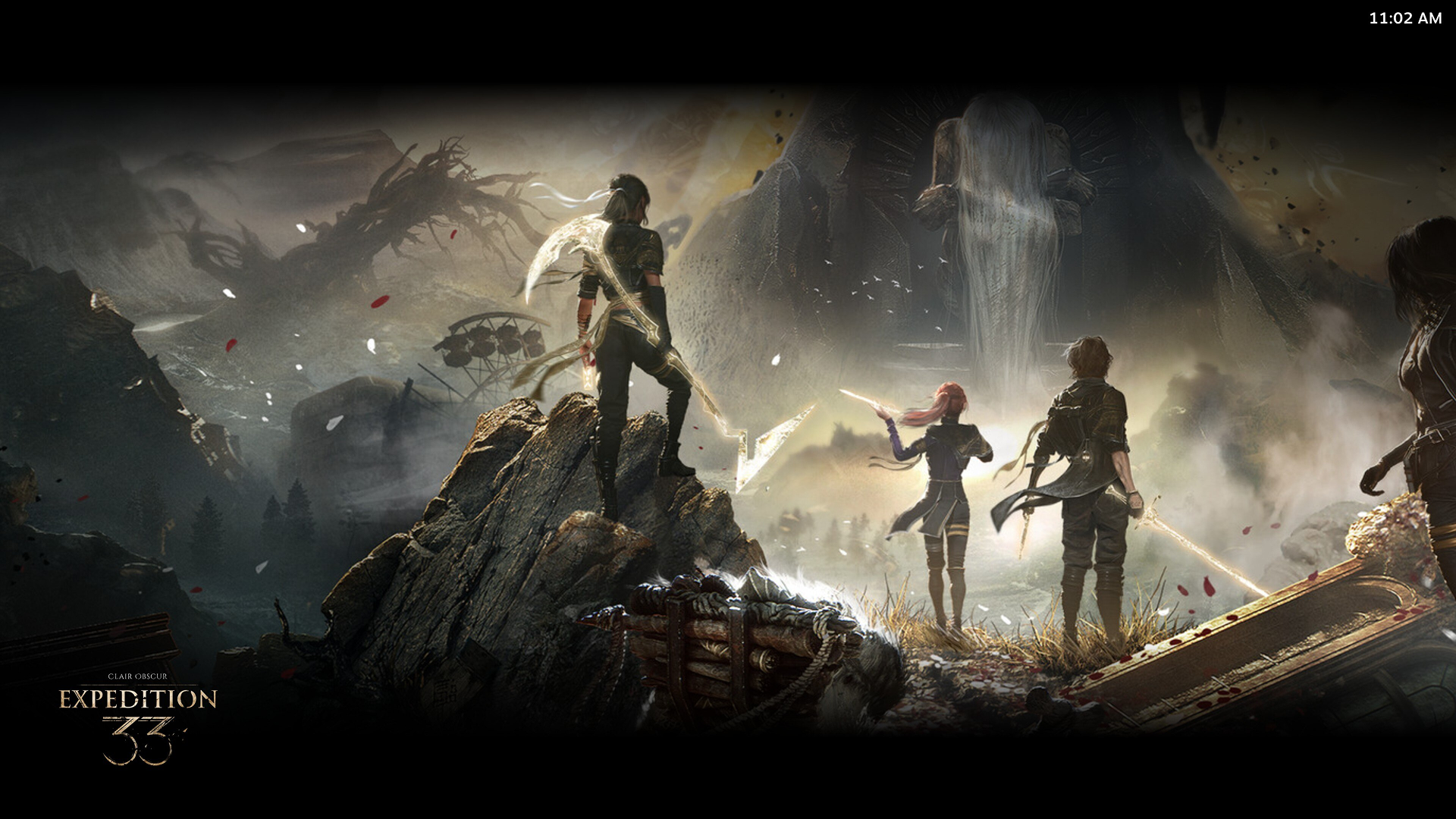
The biggest visible change is in Big Picture Mode. Players can now flip on a screensaver from Settings > Customization, with two built-in options: a game art slideshow that can be configured to draw from recently played titles and recent in-game screenshots, and a retro-inspired bouncing logo animation. Power users can drop their own assets into the standard Steam UI overrides directory to load custom screensavers, in the same way startup movies already work.
Alongside the screensaver, Big Picture gains a new "Big Art Mode" home screen option and a personal calendar on the Recommended tab that surfaces upcoming events. Valve has also reorganized the idle timer settings so AC and battery behavior are configured separately, added explicit shutdown warnings when a power-menu action would kill an active game, and refreshed the default artwork used when an app is missing library or hero images.
The Big Picture push is paired with quality-of-life work across the rest of the client. Startup performance has been improved, a bug that could repeatedly prompt users to refresh credentials has been fixed, and the Windows systray exit path no longer flashes the main window on shutdown. Game recording on D3D12 titles uses less CPU, and the in-game overlay no longer hitchs on D3D11 and D3D12 games when grabbing a screenshot, or breaks in Vulkan games that create multiple windows.
Linux and SteamOS users get some of the most concrete fixes. Download speeds on high-latency connections are now faster, the SteamOS compatibility dialogs will appear in the desktop UI when installing games that aren't verified for that hardware, and desktop Linux will now surface a SteamOS-unsupported dialog when installing titles known not to work with Proton. The "Select compatibility tool" dropdown is always visible, Proton aliases such as "Proton Stable" are selectable from it, and distro information collection for the hardware survey now prefers data from /etc/os-release.
Steam Input also sees a long list of small but useful changes: improved CPU performance at runtime and during configuration loading, better labeling of which configs work with games that require the Steam Input API, a fix for the controller support widget incorrectly flagging unreleased games as unsupported, and the missing adaptive-centering slider for emulated joystick trackpads has been restored.
Remote Play gets two notable tweaks. Downloading an app to a remote device no longer requires a PIN, although installing and starting a stream from a remote host still does. Players will now also receive a "Download Complete" notification for a remote download on whichever device they kicked the transfer off from.
The SteamRT3 experimental beta picks up a fix for the broken "Add a Non-Steam Game" picker and a fix for the "Run Steam when my computer starts" toggle, while the general client fixes a reconnection bug after server maintenance and adds a check that keeps serious error dialogs above the main Steam window.
The full changelog, including screenshots of the new Big Picture Mode screens and screensaver options, is available on Valve's official Steam Community post for the September 9 client beta.
Keep the signal
Community
Discussion · 0
Be the first to add a thoughtful response.